How to buy at Auction
Bidding and buying at auction is easy, whether you are visiting us in person or viewing items online.
We are open for in-person viewing on Thursdays from 9am – 5pm. For more information on how to bid, watch our video for more information, or read through the checklist below.
-
Register
Register online to obtain a bidding number that is valid for all auctions at Abbeys. New Bidders are automatically allocated an initial bidder limit of $2000. if you would like to increase your bidder limit, please contact our team on 03 9898 2118 who will be happy to assist you with this process.
-
View
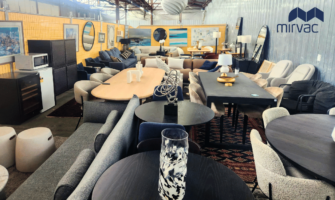
All lots are sold “as is” without warranty so it’s important that you inspect goods before bidding. Additional photos for detail are shown for each lot online. If you need more info just submit a condition report or call us to request a FaceTime video viewing whilst the catalogue is live (available for about 10 days prior to auction). , at 80 – Visit us in-person on Thursday between 9am and 5pm at 86 Highbury Road Burwood VIC.
-
Plan your bidding
As with any Public Auction, the actual price on the day will be determined by the bidders so it often is helpful to have a plan of how much you are willing to pay before bidding. A Buyers Premium is added to your bid after the hammer falls, so be sure to factor that into your biding plan.
-
Bid
There are several ways to bid;
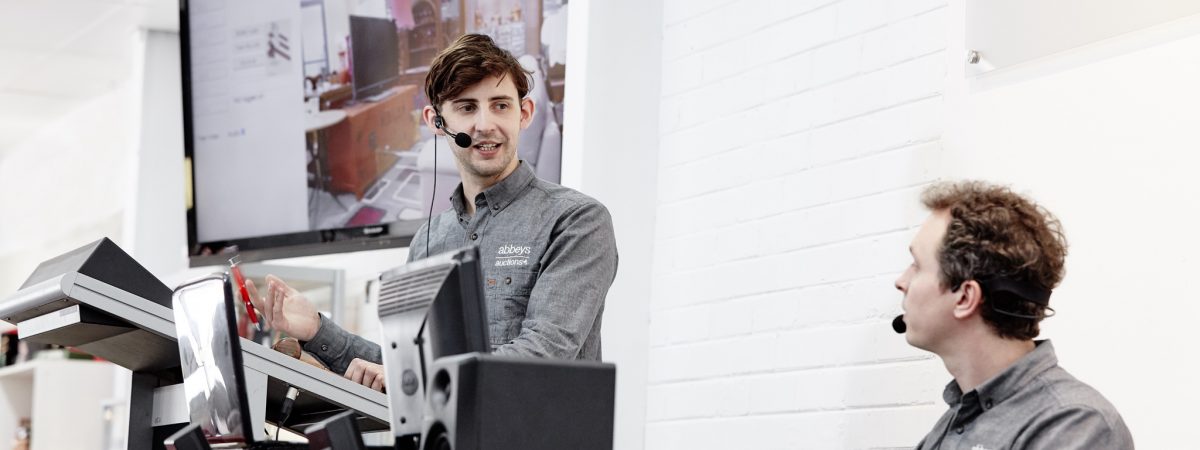
online: place your maximum bids in advance or bid live – our bidding system works on mobile phones, computers and tablets
absentee: leave a written bid maximum by email or phone
phone: book a phone bid and we’ll call you just prior to your lot – call 03 98982118Note: If you are unsure about how to bid our friendly team members will be happy to assist you.
-
Pay
All successful bidders will be sent an email after the auction has ended with your invoice. The email also contains a link to our secure payment portal so you can pay online. You can also call us to finalise your account: we accept VISA and Mastercard or direct deposits to our account. Please note our team can process phone payments only if they are under $1000.
-
Collect
Arrange collection of your purchases within two business days of the auction. Contactless collection is by appointment (Click and collect).
Or have your purchases delivered to your door. Delivery information
Charges: